Picture the street you grew up on. Not a photograph of it — the street itself, rebuilt in three dimensions, ready for you to walk down. The cracked pavement under your feet. The corner shop’s awning overhead. The light falling exactly the way you remember it. That is the promise of World Labs Atlas.
Until this week, turning a memory like that into a place you could actually move through took a film crew, a game engine, and weeks of skilled labour. On November 12, World Labs changed that.
The company, founded by AI pioneer Fei-Fei Li, opened Atlas — its world model — to everyone, according to the company’s announcement. What had been a research demo in September, and a closed beta for a handful of partners, is now a set of tools anyone can sign up for and use.
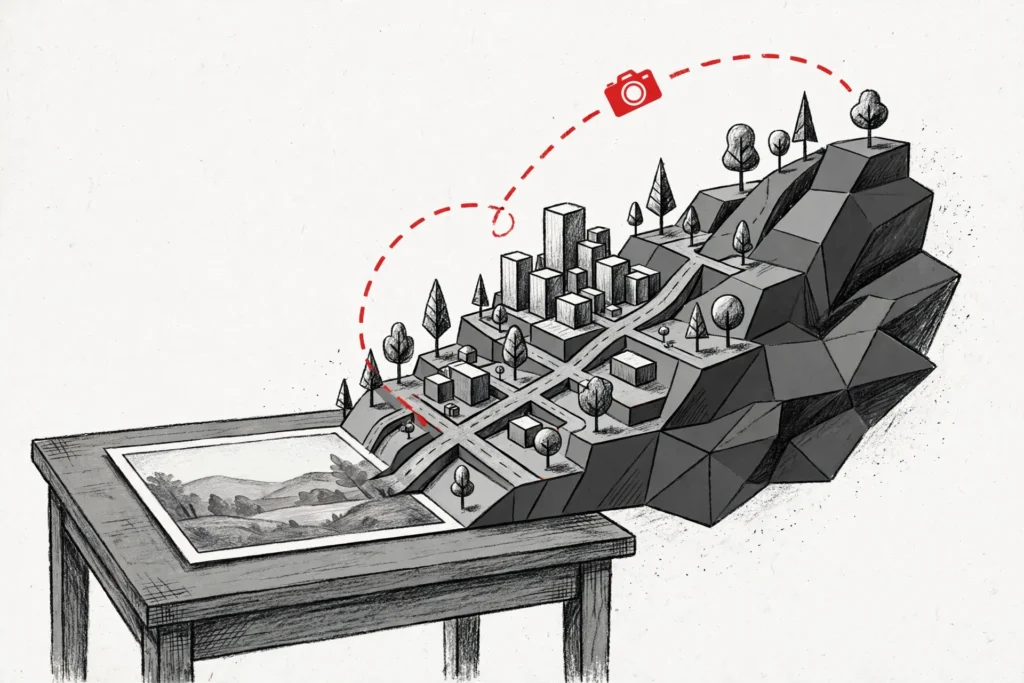
Atlas does not make pictures. It makes places. Feed it a photo, and it builds the world around it — the walls behind the camera, the ground under the frame, the space you never photographed. Then it lets you walk through what it built.
What World Labs Atlas Actually Does
Atlas is what World Labs calls an omni world model. That is a mouthful, but the idea is simple. The model understands a scene the way a person does — not as a flat image, but as a space with depth, geometry, and light.
It was first shown on September 1, 2026, writing scenes out as 3D Gaussian splats — a way of representing a 3D scene as millions of tiny coloured points. Since then it has lived in early access with selected partners, while World Labs added pieces around it.
On November 5, the company released Frameboy, a free browser demo for walking through Atlas worlds in real time. The catch: the scenes were pre-selected. You could explore, but not create.
That changed on November 12. Atlas opened to everyone, with four tools and a public API. The demo is now a product — and the product is aimed squarely at people who make things for a living.
Viewfinder: One Photo Becomes a Whole World
The most eye-catching tool is Viewfinder. It starts from images — and a single photo is enough. Atlas reads the photo, guesses the geometry of the scene, and generates the world around it, filling in what the camera never saw.
Give it up to 64 photos, and it stops guessing and starts reconstructing — rebuilding a real place from many angles into one explorable scene.
Once the world exists, you can move the camera through it, plot a path for the camera to follow, and export the result as images, video clips, or Gaussian splats. According to World Labs, Atlas can generate up to one minute of video at 1440p from a small number of reference images.
That number is the company’s own claim, unchecked by anyone outside World Labs so far. Still, the direction is clear: a tool that once needed a studio now starts with a phone photo.
Chisel: Build the World Before You See It
Viewfinder starts from what already exists. Chisel starts from nothing. It is the tool for people who know what they want a place to look like — and want to shape it themselves.
With Chisel, you sketch a rough layout of a scene first: walls, volumes, where the objects sit. You can build that grey-box layout from text or from reference images. Atlas then fills in the detail, turning the block-out into a finished world.
The clever part is that every camera view updates as you move things. Slide a wall, and the light, the shadows, and the sightlines shift with it. The world stays consistent while you work — exactly what a film director or an architect needs from a previsualisation tool.
Together, the two apps cover both directions of the same job. Viewfinder captures the world as it is. Chisel imagines the world as it could be.
Splats to Mesh and Relight: From Demo to Production
Until now, an Atlas world could mostly be looked at. Two more tools change that — and they are the reason this launch matters beyond the demo videos.
Splats to Mesh converts a scene’s Gaussian splats into a polygonal mesh, the standard format that game engines and 3D software actually use. Relight lets you adjust a scene’s illumination after it has been generated, changing the mood without rebuilding the world.
This is the step that turns a curiosity into a pipeline: a rough block-out in Chisel, generation through Atlas, a mesh conversion, and the result imports into Blender or a game engine. World Labs is explicitly targeting visual effects and filmmaking, architecture, and robotics.
The timing helps. Blender 5.3 shipped native Gaussian splat import on November 10, so Atlas output opens in Blender without an add-on. World Labs also ships an optional Atlas extension for Blender, and a skill in its GitHub repository lets a coding agent drive it.
An API Built for Coding Agents
The other major addition is the public API. World Labs has released every endpoint behind Viewfinder and Chisel, so developers can build the model into their own tools.
The documentation is aimed at coding agents, with a command-line interface and installable skills for Claude Code, Codex, and Cursor. In practice, you can ask an agent in plain language to make a video that flies through a photo’s scene, or turn a photo into a 3D scene.
API keys are managed per project, with project-level spending caps. That matters, because the pricing model is unusual — and it is the one part of the launch World Labs has left half-finished.
What Atlas Costs — and What It Does Not Say
Atlas runs on credits. One thousand credits convert to one US dollar, and credits do not expire. A refined reconstruction run, taking between 2 and 512 ordered frames, costs 5,000 credits — five dollars — and usually takes 15 to 25 minutes.
World Labs’ example: eight frames of a potter’s studio became two million splats in 18 minutes. A draft run, for 2 to 32 frames, costs 500 credits — fifty cents. Failed runs are free.
What the company has not published is a dedicated pricing page, or final rate limits. The rate card lists task quotas and concurrent-task caps as to be announced. No free tier is listed in the documentation reviewed on November 13.
There is also no release of model weights. Atlas is accessible only through World Labs’ own applications and API.
That puts it on the opposite side of the fence from the open-weight models that have dominated recent AI launches. Teams must test it on real projects, with strict spending caps, before committing to it.
The AMD Question Hanging Over Atlas
There is a bigger story behind the launch. On September 28, AMD signed a definitive agreement to acquire World Labs for 8.2 billion dollars. The deal has not closed yet, but it frames everything Atlas does next.
AMD is buying its way into the world-model race, and Atlas is the asset it is paying for. What happens to Atlas once it belongs to a chipmaker — standalone product or AMD hardware showcase — is unanswered, and the answer will shape whether studios build their pipelines on it.
Why World Labs Atlas Matters
World models have spent the last two years as something you watch in a lab video. Atlas is the first to arrive as a tool you can actually use, with a workflow that ends in a file your software can open.
The gap between a generated image and a generated world is the gap between a picture and a place. Pictures are for looking at. Places are for working in — filming, rehearsing, training robots, showing a client what a building will feel like before it exists.
That is the bet World Labs is making. The company is not selling a better image generator. It is selling the first step of a production pipeline, and letting anyone try it with a single photograph.
The same week, Runway opened its robot foundation model to anyone who wants to download it — a sign of how fast AI tools are moving from demos to real products.
Whether that pipeline holds up depends on two things World Labs has not yet proved: mesh quality, and the price of using it at scale. Both will be settled by the people who start building with it this week.
The street you grew up on is still just a memory. But for the first time, turning it into a place you can walk through is a job for an afternoon — and a photograph.
Source: Radiance Fields