It is late in the evening, and you are chatting with Claude about a small annoyance. Your downloads folder is a mess again. You describe the tool you want, Claude builds it in the chat, and it works.
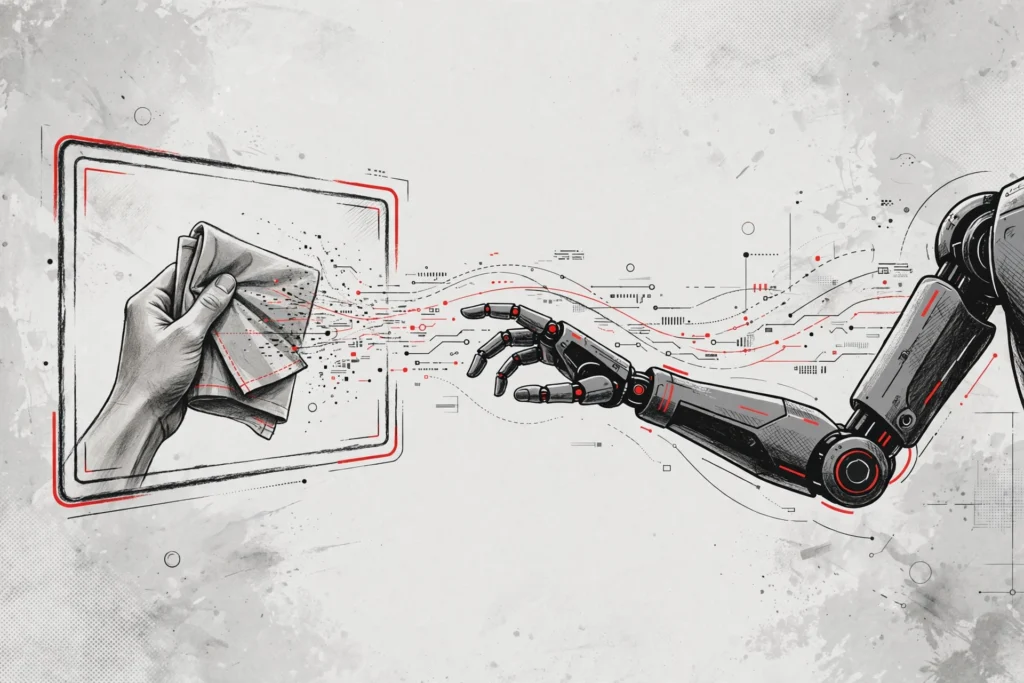
Then you close the tab, and the tool is gone. That little moment of loss is exactly what Anthropic’s new Claude desktop apps feature has just fixed.
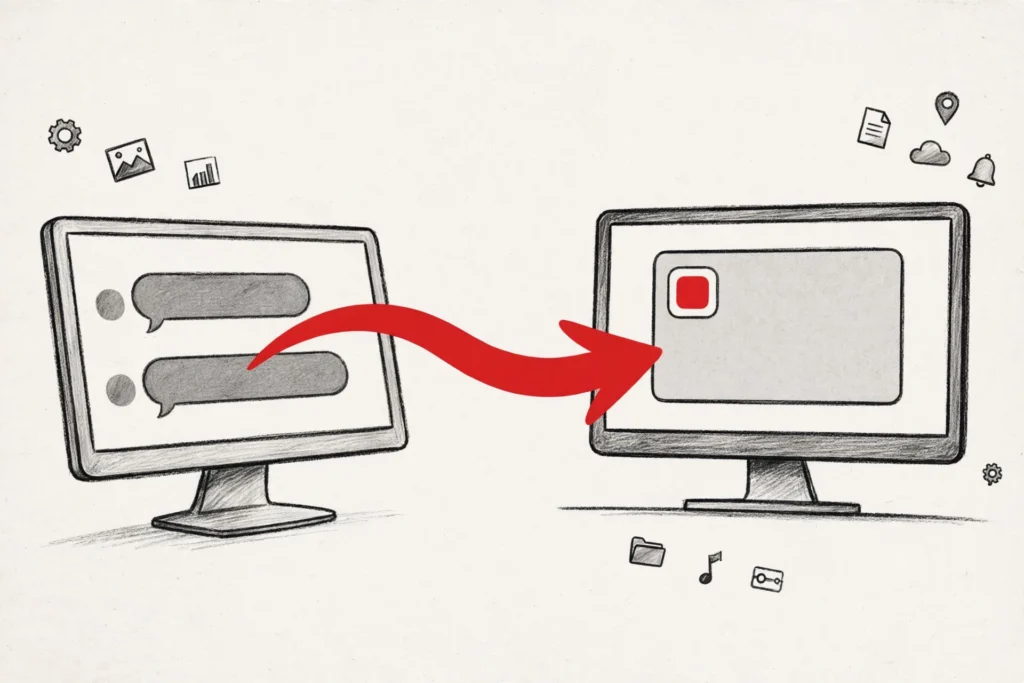
On November 24, Anthropic announced that Claude artifacts can now become real desktop apps. A new “Install as app” feature, rolling out in beta for Claude on Mac and Windows, lets any artifact you build in a chat leave the chat window and live on your computer like any other program.
It is a small button with a big idea behind it: software you describe in plain words should not disappear when the conversation ends.
What Anthropic just announced
The feature is called “Install as app”, and it is rolling out in beta on every Claude plan, including the free one. When you install an artifact as an app, it gets its own icon and opens in its own window instead of inside Claude.
You can share it with other Claude users, and it updates automatically whenever the underlying artifact is edited. There is no packaging, no code signing and no app store review to wait for.
The app runs on your Claude account, so there is no API key or separate login.
It is the latest step in a long push to make Claude more than a chatbot. Earlier this month Anthropic launched the Claude office suite, a set of workplace tools built directly into the assistant, and its newest model, Claude Fable 5.2, arrived the same week. Install as app takes that same direction and points it at your desktop.
From chat window to desktop icon
Artifacts started life as things Claude produced inside a chat for you to share: a chart, a web page, a small interactive tool. Over time they grew into spreadsheets, whiteboards and animated content.
Until now, though, they always lived inside Claude. If you wanted to use one every day, you had to open Claude, find the conversation and click back into it.
Installed apps break that link. The tool you built in a chat gets its own place on the desktop, with its own icon in the dock or taskbar and its own window. Open it like any other program, and it is there, ready to use.
Because each app can use Claude and your connectors, it can pull in live information from the tools you have already connected. Sharing works the same simple way. You can send an installed app to another Claude user, and they can run it on their own machine.
There is nothing to package and nothing to install from a download link. The app is tied to the artifact it came from, so when you edit the artifact, everyone who installed it gets the update automatically.
What Claude desktop apps can actually do
These apps are not just web pages in a frame. They can send desktop notifications, add an item to the Mac menu bar or the Windows system tray, and register global keyboard shortcuts.
They can also create windows that stay on top of everything else. In other words, they can behave like the small utilities that live quietly on your computer all day.
Anthropic’s own staff have already built a small gallery of examples. Linnet is a full layered image editor. Phosphor is a file manager that looks made for a movie set. Sift sets up folder rules and uses Claude to keep your files organised.
Tern is a terminal with Claude by your side to help and explain. Vitals is a menu bar and tray app for peeking at your computer’s performance. Anthropic also points to more everyday uses: a meeting-prep page that pulls from your calendar and email, or a tracker for orders that need to ship that day.
The pattern is the same in every case. You describe a job you do again and again, Claude builds the tool, and now that tool can live where the job actually happens.
Three permission levels — and the one to think twice about
An app that can touch your computer needs rules, and Anthropic has built three levels of permission into the feature. The default level is the safest: an installed app can only do what it could already do in a browser. Nothing more.
That is how most apps will run. The second level, app permissions, covers desktop-specific features that Claude can tightly control. An app can ask to send notifications, listen for a global shortcut, or float a window above the others.
You answer each request yourself, and you can take a permission away at any time. On a Mac, click the app’s name in the menu bar. On Windows, right-click the title bar.
The third level is called “Full access to this computer”, and it deserves a pause. An app with full access can run programs and read, change or delete your files without asking each time. That is real power, and Anthropic is careful about who can hold it.
You can only give full access to apps you made yourself, or, on Team and Enterprise plans, apps made by someone in your own organisation. There is an important catch. Anthropic states plainly that it does not review apps before you install them.
An app shared by a friend cannot request full access at all on the Free, Pro, Max and Ultra plans. And your permission only covers the current version of the app. Claude asks again after every update, even your own edits.
Who gets it, and what is still missing
The beta is rolling out on all plans, from Free to Enterprise, but the switches are set differently. For Team users it is on by default, with full access turned off. For Enterprise users it is off entirely until an owner turns it on.
Admins can control app permissions and full access for their organisation. You need Claude for Mac or Windows version 6.28899.0 or later, and you need to be online and signed in to Claude to open an app.
There are limits at launch. Linux, the web and mobile are not supported, so this is a desktop-only story for now. Some artifacts cannot be installed at all, including Claude Docs, Slides and Sheets. Organisations with HIPAA-ready configurations do not get the feature.
And every request an app sends to Claude counts toward your plan’s usage limits, so a chatty app can eat into your allowance. If you are on the free plan, that is something to keep an eye on.
Why this launch matters more than it looks
Look a little closer, though, and it is a shift in what Claude is for. The assistant is no longer just answering questions in a chat window. It is becoming a way to make software, one described tool at a time, and to keep that software around.
That puts Anthropic in a race that is already crowded. Claude’s office suite arrived the same month as OpenAI’s push into business tools inside ChatGPT, and Google’s Gemini 4 Carbon is fighting for the same users with raw capability.
Anthropic’s bet is different. It is not about the biggest model or the most features. It is about the shortest path from an idea to a tool you actually use every day.
The risks are real, and Anthropic knows it. An app that can read and delete your files is a powerful thing to hand to a stranger, which is why full access is locked to apps you made yourself.
IT teams now have a new question to answer too: what happens when any employee can turn a chat into a desktop app with system permissions? The admin controls exist, but someone has to switch them on.
For now, the feature is a beta, and betas change. What is unlikely to change is the direction. The chat window was never going to be the final home for the things AI builds, and Anthropic has just made the leap to the desktop first.
The question now is how fast everyone else follows, and how carefully we all decide which of these little apps to trust.
To try it yourself, update Claude for Mac or Windows, open an artifact you use every day, and choose “Install as app” from the Share menu, according to Anthropic. No packaging, no signing, no app store. Just a chat that becomes an app.