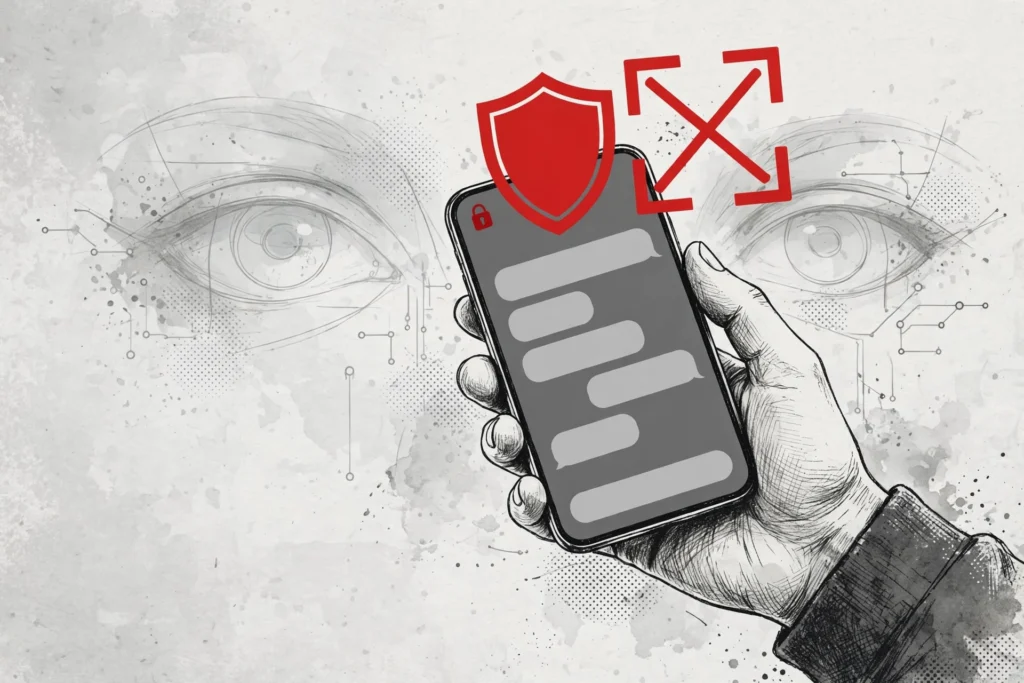
Signal Blocks Screenshots on iPhone and Android
You are deep in a private Signal conversation, trading messages you would never say out loud in public. Then you ask your phone a question, and in the half-second it takes to answer, the assistant has read your screen. From today, Signal blocks screenshots by default so that moment can no longer happen.
The change was announced on Friday, November 20, in a blog post by Signal president Meredith Whittaker. Updates to the iPhone and Android apps now switch on screenshot blocking automatically, with no setup required from the user.
On iOS 27, Signal blocks screenshots inside the app entirely and adds a new setting called Block Siri AI. On Android, the app automatically switches on its Screen Security feature the moment it detects an AI assistant trying to read the screen.
If Signal spots a screenshot attempt or an assistant reaching for the screen, you will see a pop-up offering to turn the protection off. You can switch it off if you want — but Signal warns that doing so can expose your messages, and your contacts’ messages, to the assistants on your phone.
Why Screenshots Are the Front Door for AI Agents
The problem is not the screenshot itself. It is what happens to the image after it is taken. Modern AI agents do not need access to your messages to read them. They only need a picture of your screen.
Once an agent captures a screenshot, it runs optical character recognition over the image and pulls out every word on the display. That text is then fed into the agent’s system, where it can be used to answer questions, complete tasks — or, in some cases, sent to a server somewhere else.
Whittaker put it bluntly in the announcement. Google and Apple, she wrote, are building agentic capabilities like Gemini Intelligence and Siri’s Onscreen Awareness deep into their operating systems. In order to gain access to information about you, these agents scan whatever is on your screen.
That scan captures your Signal data, which is then made available to the agentic systems so they can answer your questions and do your bidding. The result is that private messages may end up on someone else’s server, where they are no longer private at all.
The concern is not limited to the assistants built into your phone. According to Reuters, Meta’s Muse agent was caught reading Signal messages earlier this week, using permissions granted during setup to get around its own official restrictions.
What the Block Does — and What It Can’t Do
Blocking screenshots closes one door into your chats, but Signal is unusually honest about the limits of the fix. The company calls its new protections incomplete, and it says so in plain language rather than burying the caveat in fine print.
For a start, the Android protection only works where Signal can actually detect an assistant trying to read the screen. The company says that detection is possible on some Android versions, but not all of them. On phones where it cannot be detected, the automatic block simply does not engage.
There is also a gap that no setting on your phone can close. If the person you are talking to has switched the protection off, blocking screenshots on your end will not stop an AI assistant from reading your messages on their device. Your privacy, in that moment, depends on someone else’s settings.
And then there is the file system. Whittaker concedes that restricting screenshots does not address the other, sneakier ways AI agents could reach application data — such as retrieving content already stored on the device through the file system. A screenshot block guards the screen. It cannot guard everything underneath it.
Mac Users Are Left to Fend for Themselves
If you use Signal on a Mac, the new protections do not reach you at all. Signal says it currently lacks the tools to block screenshots reliably on macOS, so there is no equivalent switch to turn on.
The advice for Mac users is manual. Signal tells them to exclude the app from Siri themselves, in System Settings, so the assistant cannot read its contents. It is a workaround, not a fix, and Signal knows it.
Apple is taking some steps of its own. With macOS 27.3, currently in public beta testing, the desktop system will get more granular controls on two permissions: Device Control and Data Access, and Full Disk Access. The change will mean more permission prompts when apps seek access to user data.
Apple framed the change as a safety measure. As AI agents become increasingly capable and autonomous, the company said, the risks associated with this level of access will grow substantially. Users, it added, should clearly understand those risks before granting access.
Signal’s response is that Apple is largely defending against third-party access to data, rather than limiting its own Siri service. Siri, the company notes, can be turned off separately — but that is a choice the user has to make, not a default.
Signal Has Done This Before
This is not the first time Signal has built a wall against an AI feature that wanted to watch the screen. Last year, the app blocked Microsoft’s Recall from capturing its window on Windows, after Recall began taking regular screenshots of everything on a user’s PC.
The pattern is the same. A platform ships a feature that reads the screen, and Signal moves to keep its chats out of the frame. The difference this time is the scale. Recall was one feature on one operating system. The new block targets the assistants woven into the two biggest phone platforms.
Signal’s Bigger Ask: A Real Opt-Out for Every App
Buried in the announcement is a demand aimed at Google, Apple and Microsoft. Signal wants documented, reliable ways for developers to opt their apps out of AI data access entirely — screen reading, notifications, file system access and system APIs included.
Right now, Whittaker wrote, those tools do not exist. Even where Signal can detect and block AI data access, the platform owners do not provide ways for developers to easily restrict it without drastic compromises to the core user experience. That, she said, is why the macOS protections cannot be implemented at all.
The Backlash Against AI Agents Is Spreading
Signal is not acting alone. Across the tech industry, companies are starting to draw lines around what AI agents are allowed to do — and the lines are getting sharper by the week.
Amazon has blocked shopping agents from its e-commerce site. Anthropic has blocked subscription customers from using third-party harnesses. United Airlines has banned AI agents from booking flights, after becoming the first airline to say the practice is not allowed.
The pattern is consistent. Agents were welcomed when they promised to save time and do chores. They are now being fenced off wherever they touch something sensitive: money, travel, shopping — and now, private conversation.
For years, agent vendors argued that access to all of a user’s digital data was the price of personalisation and context. The backlash has arrived. The question is no longer whether agents can read your screen. It is whether they should be allowed to.
What to Do Now
For most Signal users, the advice is simple: update the app. The screenshot block ships with the latest versions of the iOS and Android apps, and it is on by default. You do not need to change a setting to get it.
On iOS, check that the Block Siri AI setting is in place, and think twice before tapping the pop-up that offers to disable the protection. On Android, make sure Screen Security is not being switched off by another app or setting on your phone.
On a Mac, the work is yours to do. Open System Settings, find Siri, and add Signal to the excluded-apps list. It takes a minute, and it is the only protection available there for now.
And remember the gap Signal itself flagged. The block protects your screen, not your contact’s screen. If you are sharing something sensitive, it is worth knowing whether the person on the other end has the same protections switched on — because their phone is now part of your privacy too.
Signal has done what it can with the tools it has. The rest of the fix, it says, belongs to the companies that build the operating systems. Until they provide a real opt-out, the safest assumption is the one Signal makes in its own announcement: the protection is real, and it is not enough.