Talk First, Type Never: ChatGPT Finally Listens in Real Time
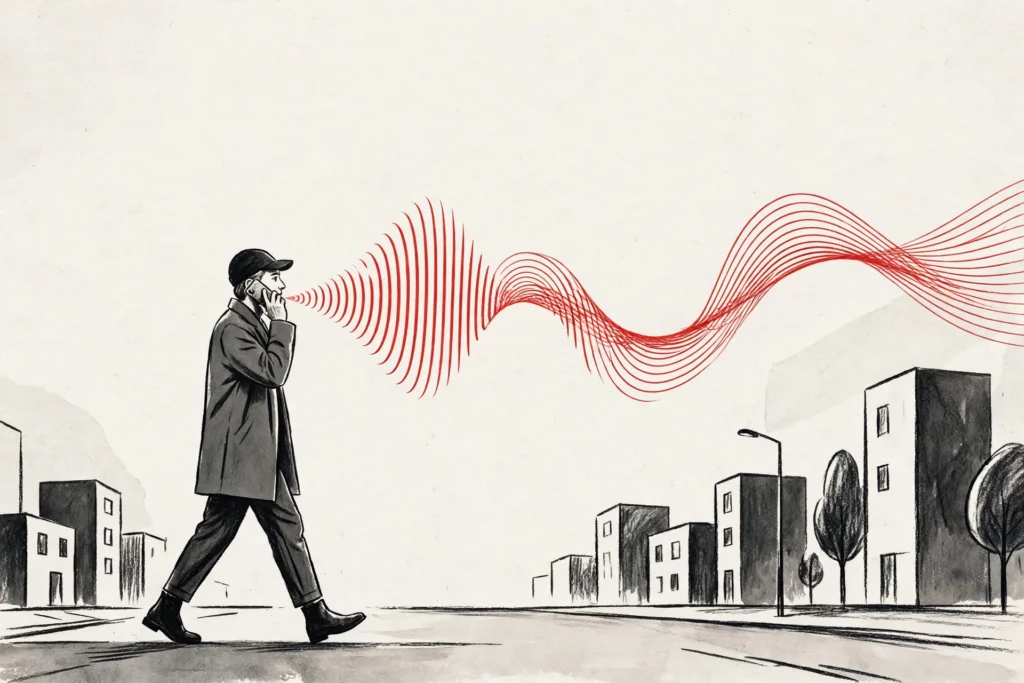
Picture a commuter on a crowded morning train, phone in one hand and a coffee in the other, trying to shape a long message for ChatGPT. Until this week, that meant talking into the void: you spoke, you waited, and only after you stopped did the transcript appear — often with a mistake you had already forgotten making. If you talked for more than ten minutes, the recording simply cut off.
That friction is now gone. OpenAI has rolled out ChatGPT Live Dictation, a streaming speech-to-text upgrade that turns your words into text while you are still speaking. The ten-minute recording limit has been removed at the same time. The change is live for every ChatGPT plan, on iOS, Android, the web and the desktop app, according to OpenAI.
It sounds like a small quality-of-life fix. In practice, it changes how the chatbot fits into a day. Dictation stops being a clumsy workaround for people who hate typing and starts behaving like a real input method — one you can trust with a rambling idea, a long email draft or a meeting note.
What ChatGPT Live Dictation Actually Does
Live Dictation streams your speech into the message box as you talk. Words appear on screen in step with your voice, so you can watch the sentence form and catch a misheard name or a mangled phrase before you finish the thought. That is the whole point: the old flow forced you to record blind and proofread after the fact.
OpenAI announced the change on November 18 in its ChatGPT release notes and on the official ChatGPT account on X. “Dictation in ChatGPT is getting faster and more reliable,” the company wrote. “With Live Dictation, your speech turns into text as you talk, so you spend less time waiting for your message to finish transcribing.”
The update also speeds up submission. Because the transcript is already built by the time you stop talking, there is no long pause while the audio is processed. Tap or click the waveform to show or hide the text as you go, and the words keep flowing underneath.
There is one more detail worth noting: the feature works the same way on every platform. Whether you dictate on a phone, in a browser tab or in the desktop app, the experience is the same streaming transcript and the same missing time limit.
The 10-Minute Limit Is Gone — But for How Long?
The most eye-catching part of the announcement is the removal of the ten-minute recording limit. For years, ChatGPT cut dictation off at ten minutes, which made it useless for anything longer than a short message. A dictated brainstorm, a voice memo for a report or a long story idea would simply stop mid-sentence.
OpenAI has not published a replacement cap, and it has not said how long a single dictation can run in practice. The release notes are silent on the question, and the company’s voice team has not put a number on it either. For now, the honest answer is that the limit is gone and the new ceiling is unknown.
That matters for two reasons. First, anyone planning to dictate something very long — an hour-long meeting recap, say — should test the waters rather than assume the session will run forever. Second, the absence of a published cap suggests OpenAI is watching how people actually use the feature before deciding where the line sits.
Either way, the practical effect is immediate. A ten-minute ceiling shaped how people used dictation; without it, the feature can finally handle the kind of long, unstructured thinking that voice is actually good for.
Live Dictation Is Not ChatGPT Voice
It is easy to confuse Live Dictation with ChatGPT Voice, and the confusion is understandable — both involve talking to ChatGPT. But they do different jobs, and OpenAI treats them as separate features with separate futures.
Voice mode is a conversation. You talk, ChatGPT talks back, and the exchange happens in real time. Live Dictation is a writing tool: you talk, the words become text in the message box, and you edit that text before you send it. Nothing is answered until you press send.
The distinction matters because OpenAI is overhauling voice mode at the same time. The company has said it will retire the Advanced and Standard Voice modes on December 11, 2026, and move everyone to GPT-Live, the newer voice model it introduced in July. Voice usage has nearly doubled since GPT-Live arrived, according to OpenAI.
Live Dictation sits outside that shake-up. It is not being retired or replaced; it is being improved. If anything, the two changes point in the same direction: OpenAI wants talking to ChatGPT to feel as natural as typing to it, whether you are chatting or drafting.
Who Benefits Most From Live Dictation
The obvious winners are people who think out loud. Writers, students and professionals who draft by speaking can now pour out a rough version of a document and clean it up on screen, watching the words land as they go instead of reconstructing them from a finished transcript.
Commuters and walkers gain too. Dictation has always been the hands-free way to use ChatGPT, but the old wait-for-transcription flow made it awkward on the move. A live transcript means you can glance down, spot an error and fix it without breaking stride.
Accessibility is the quieter story. For people who find typing painful or slow, a reliable dictation tool is not a convenience — it is the difference between using ChatGPT comfortably and not using it at all. A streaming transcript with no time cap makes that tool meaningfully better.
There is also a less obvious use case: long prompts. The best ChatGPT results often come from detailed, specific prompts, and detailed prompts are tedious to type. Speaking a long, careful brief is faster, and seeing it appear live makes it easier to keep the structure straight.
How to Use Live Dictation in ChatGPT
Using the feature is deliberately simple. Open the ChatGPT app or website, tap the microphone or waveform icon in the message box, and start talking. Your words appear as text in real time. Tap the waveform again to hide the text while you keep speaking, and tap it once more to bring it back.
When you are done, stop the recording and review the text before sending it. That review step is the feature’s real strength: because you can see the transcript forming, you can correct a misheard word the moment it appears rather than hunting for it afterwards.
One warning is worth repeating. The rollout is global, but rollouts take time, and OpenAI has not promised that every account will see the feature on day one. If your app still shows the old dictation behaviour, it probably means the update has not reached you yet — not that you are doing anything wrong.
Make sure the app is updated to the latest version, and check again over the next few days. The web and desktop versions update themselves, so the feature should appear there first for most people.
What Happens Next
Live Dictation arrives in a busy week for OpenAI. The company launched GPT-6.2 Astra and Sol on November 17, its newest flagship models, and it is pushing ChatGPT deeper into workplaces through products like ChatGPT Enterprise. Rivals are moving just as fast — Anthropic, for example, has just launched Claude’s new office suite to take on Microsoft and Google at work.
In that context, Live Dictation looks like a piece of a larger strategy: make ChatGPT the easiest place to get a thought out of your head and into a document, whether you type it, speak it or dictate it. The model upgrades grab the headlines, but the input improvements decide how often people actually reach for the tool.
The open questions are practical ones. How long can a single dictation really run? Will the streaming transcript stay accurate over a long session, or drift as the conversation goes on? And will OpenAI eventually set a new, higher cap once it sees how people use the freedom?
For now, the change is simple and genuinely useful: talk, watch the words appear, and keep talking as long as you need. After years of a ten-minute ceiling, that is a bigger upgrade than it sounds. The ten-minute timer is gone — and, as OpenAI put it on X, you can now just “yap away.”
Source: 9to5Mac