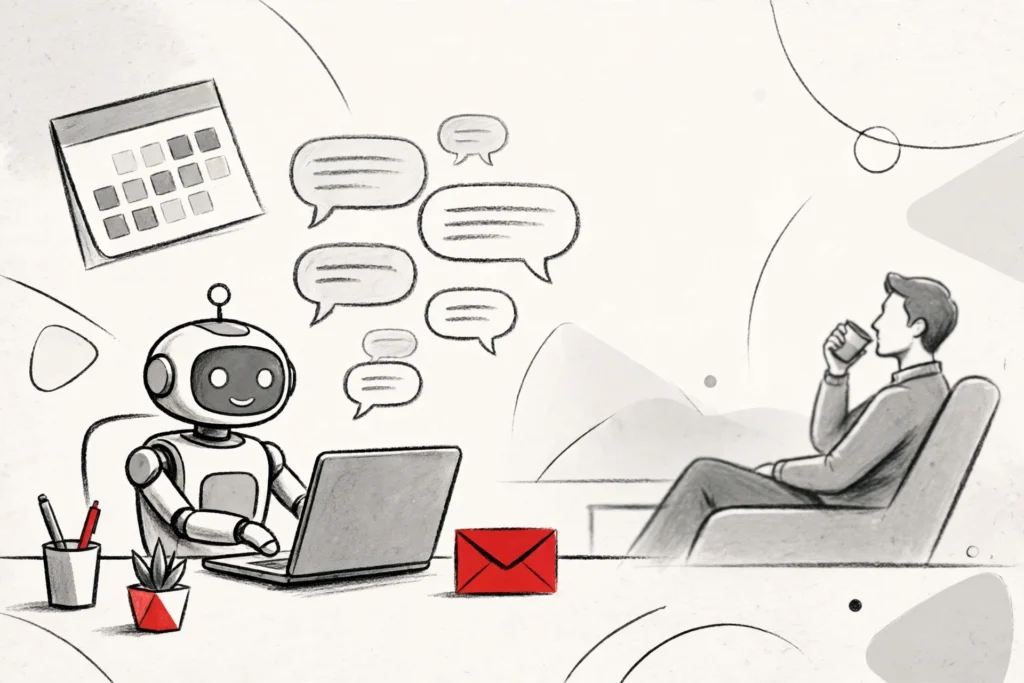
Picture this: it is Monday morning, and before you have even opened your laptop, the supplier review is already scheduled, the follow-up emails have gone out, and the prep document is sitting in your inbox waiting for a quick look. Nobody stayed late to do it. Nobody was asked. That is the promise of Microsoft Copilot Autopilot, the always-on AI agent Microsoft unveiled on November 17 at its Ignite 2026 conference in San Francisco.
For years, Copilot has been the assistant you had to talk to first. You typed a prompt, it answered, and the conversation ended there. Autopilot flips that around. It is built to notice work that needs doing and simply get on with it, checking in with you only when something actually needs a human decision.
The announcement came in a blog post from Microsoft chief marketing officer Jared Spataro, as part of the biggest overhaul of Copilot since it launched. Alongside Autopilot, Microsoft rolled out a redesigned Copilot home screen, a smart model router called Auto, Office apps running directly inside Copilot, and a new way for companies to measure what their AI spending actually buys. The message from San Francisco was hard to miss: Copilot is no longer just a chatbot. Microsoft wants it to be the place where work happens.
What Is Microsoft Copilot Autopilot?
Autopilot is a trusted autonomous agent that is personal to you, always on, and working for you, in Microsoft’s own words. It lives inside your company’s Microsoft 365 tenant, and it comes with its own identity, its own memory and its own set of tools.
That identity is the part that matters most. Autopilot shows up where people already work: in Teams channels, in Outlook, in chats and in documents. You can mention it with an @, just as you would a colleague, and it will pick up the thread.
But unlike a colleague, it never sleeps and never waits to be asked. It watches Teams channels for updates, follows up on emails that have gone unanswered, runs recurring work on a schedule, and manages whole projects from start to finish. Microsoft’s own example is a supplier review: Autopilot builds the schedule and the workback plan, handles the preparation and the meetings, and chases stakeholders for updates, all on its own.
An Agent With Its Own Identity and Its Own Manager
Every Autopilot gets its own Microsoft Entra Agent ID, the same kind of digital identity a human employee carries, plus a named human manager. IT teams can set exactly what it may touch, and block it at any moment if something looks off.
Everything it does is logged under its own name, so security teams get a clear audit trail instead of a mystery. It works within the permissions your organisation already has, guided by Work IQ, the intelligence layer that figures out which of the billions of files, emails and messages in a company’s Microsoft 365 actually matter for the task at hand.
You stay in charge of the brief: you decide what work Autopilot takes on, and it checks with you before key actions. It can draft the email, but you still decide whether it goes out.
Autopilot is rolling out now to customers in Microsoft’s Frontier early-access programme. There is no date yet for general availability, and no separate price announced.
Auto Routing: The End of Picking Models
Autopilot is the headline, but the quieter change may matter just as much. Copilot’s new Home screen has a single composer, powered by a feature called Auto, that decides for itself which AI model should handle your request and how much effort to spend on it.
Tell Copilot what you want to accomplish, and Auto routes the work to the right model, balancing quality, speed and cost. A quick question gets a fast, cheap answer; a complex job gets more power. If the task needs a proper handoff, Auto may suggest moving from a simple chat into Cowork, the part of Copilot built for delegated, multi-step work.
You can still choose a model yourself if you want to. Employees can pick models from OpenAI or Anthropic, with access governed by company policy. Microsoft is no longer relying on one supplier for the brains: alongside outside models, it now builds its own, including the MAI Code 2 model from the Ignite keynote.
Home, Today and Office Inside Copilot
Home is the new starting point for Copilot, bringing Chat and Cowork together in one place, and it is generally available now. You can review recent activity, see suggestions for what Copilot can help with, and pick up work exactly where you left off.
Inside Home sits a new experience called Today, a proactive command centre across mail, calendar, Teams threads, meetings and tasks. It shows you what you missed, what needs attention now and what can wait. It does more than list things: the draft reply is already written, the schedule change is already proposed, and the forgotten follow-up is waiting for you to send. Today is currently in private preview in the Copilot app and Outlook.
Then there is Office itself. Microsoft is bringing the full power of Word, Excel and PowerPoint directly into the Copilot app, so you can move from an idea to a finished document without leaving the conversation. Every file inherits Microsoft 365 permissions, sensitivity labels and compliance controls from the start, and the value is already included in a Copilot subscription. Microsoft puts it bluntly: this is the only AI tool where you can create a PowerPoint deck or an Excel spreadsheet without spinning a meter.
Copilot Code becomes generally available in the coming weeks: describe an app, a dashboard or a desktop widget in plain language, and Copilot builds it. The results are hosted inside your tenant with Copilot Managed Runtime, generally available today, so IT can see and control every app employees create.
Workspaces: When Humans and Agents Share the Desk
Until now, working with AI has mostly been a solo activity. Copilot Workspaces is Microsoft’s attempt to make it multiplayer. It is the evolution of Copilot Notebooks: a shared space where people and agents build on each other’s work, with shared context and a common goal.
An agent drafts a section and you review it; you leave a comment and an agent picks it up. The collaboration continues in Microsoft Teams. Workspaces is available now in Frontier.
Copilot is also getting organised by job role: 44 sales skills for qualifying leads and researching prospects, 13 for customer service, 30 for finance, and more than 20 for legal work. Dynamics 365 brings more than 100 prebuilt skills into Copilot, and the Salesforce integration announced the same day adds 38 more for sales teams.
The Money Question: Agent 365 and the Cost of Autopilot
An always-on agent that works around the clock raises an obvious worry for finance teams: who is watching the bill? Microsoft’s answer is Agent 365, its management platform for AI agents, which is expanding to cover agents built on Anthropic, Databricks, OpenAI and Salesforce, as well as Microsoft’s own, across multiple tenants.
The new Agent 365 Business Analytics treats AI spending like any other business cost. Instead of counting tokens, it measures work completed: the tasks an agent handled, how long that work would typically take a person, and the share Copilot performed. Cost Management adds spending policies, limits and alerts, and teams can cap spending inside Cowork.
Microsoft is also making a bold claim about value. Citing a recent GigaOm report, it says Copilot is 84 percent cheaper than Claude and 63 percent cheaper than ChatGPT for an everyday user at comparable quality, and 68 percent and 35 percent cheaper respectively for an advanced user. Those are Microsoft’s chosen numbers, but the direction is clear: cost is meant to be a reason to choose Copilot, not avoid it.
That pitch lands as AI spending explodes: according to Boston Consulting Group, corporate AI spending doubled in a year, and more than 80 percent of it now sits outside the enterprise IT budget. The people signing the cheques need to see what the money bought, and Agent 365 is Microsoft’s attempt to show them.
What Happens Next
Nearly 80 percent of Fortune 500 companies already use Cowork, according to Microsoft. At Lilly, more than 5,000 people use it every month, including scientists who hand it multi-step research tasks before lab work begins.
Autopilot arrives into a crowded race. OpenAI has its Dots agents, Anthropic has Duet, and Cognition’s Devin Bots already act as AI managers for coding teams. What sets Microsoft’s version apart is not the idea, which is now common, but the ground it stands on: the emails, documents, meetings and chats where office work already lives.
The real test will be trust. An agent that reads your inbox and reaches out to colleagues on your behalf is either the most useful colleague you have ever had or a liability waiting to happen. Microsoft’s bet is that an identity, a named manager, an audit trail and an off switch are enough.
For now, only Frontier customers get to find out. Everyone else must wait for general availability and the pricing details Microsoft has not shared. But the direction is unmistakable: the assistant that waited for your prompt is becoming a colleague that does not wait at all, and according to Microsoft, that colleague is already on the clock.