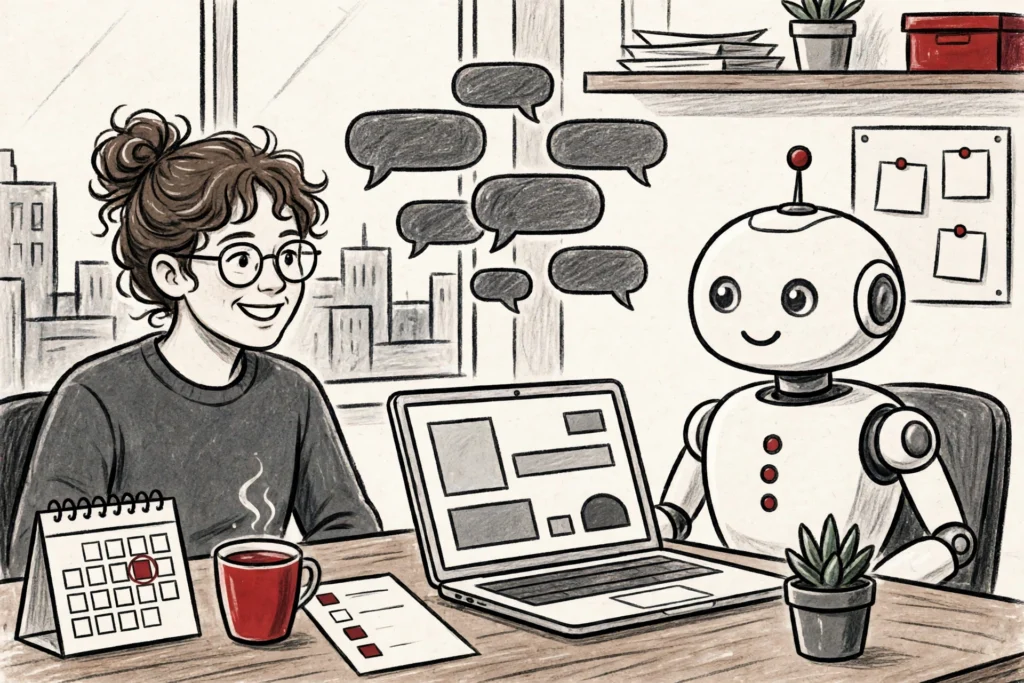
It is 8:47 on a Monday morning, and Sara has not opened her inbox yet. Her competitor-tracking report is already in Slack. The support queue has been triaged, the replies drafted, and the one message that needed a human decision is flagged with a short note: your call.
Nobody on her team worked the weekend. Something else did.
That something is the idea behind Perplexity Teammates, the company’s new system of AI agents for ongoing work. Instead of answering one question and stopping, a teammate takes ownership of a job and keeps doing it — day after day, without being asked again.
Perplexity announced Teammates on November 4, with the feature rolling out in a research preview for individual Max subscribers on the web. It is the company’s clearest move yet from search answers into the always-on agent race, and it arrives in the same season as rival launches from OpenAI, Anthropic and others.
What Perplexity Teammates Actually Do
A teammate starts with a responsibility, not a prompt. You describe the job — watch these competitors, triage this inbox, draft replies to customer emails — and the agent plans the work itself.
From there it runs tasks in parallel, keeps memory between conversations, and brings results back for a human to review. Nothing is finished in secret; the finished work waits for sign-off.
The agent can watch connected tools such as Slack, GitHub and Linear, and act when something changes. It can schedule follow-ups, and it can work alongside other teammates on the same project.
Perplexity’s own examples of roles include an ads manager, an engineer, a QA engineer and a legal research assistant. The point is not one clever answer. It is a job that stays done.
Each teammate runs on its own isolated computer, with its own desktop and browser. Saved credentials are encrypted, and teammates cannot view them — a detail that matters the moment an agent starts touching real accounts.
How a Perplexity Teammate Gets Its Job
Setting one up takes minutes. In the sidebar, you hover over Teammates, choose Create teammate, give it a name or a role, and describe the job — including a schedule, if the work repeats.
Setup finishes in the chat that opens. To connect a service, you simply ask the teammate — “Connect Slack” — and review the permissions it requests.
Inside Slack, a teammate can be tagged like an app in the channels it monitors. Co-workers can hand it work in the channel, and it watches for changes and acts on them.
New teammates run on Claude Opus 5.5 by default, according to Perplexity’s help pages. You can pick a different model for a teammate, or for a single task, if the job calls for it.
Teammates build on what a user already has in Perplexity and Computer — Projects, Memory and Skills — so existing connectors, files and past sessions carry over instead of starting from zero.
Perplexity Teammates and the Price of Admission
Here is the catch. Teammates are a research preview for individual Max subscribers only, on the web for now. An iOS version is coming soon, and Perplexity says access will expand in the coming weeks.
Max costs $200 a month, or $2,000 a year — about $167 a month when billed annually. Free and Pro users cannot use Teammates at all, and Enterprise accounts are not included by default; an admin has to request access.
Teammates also spend from Max’s monthly credit allocation, and Perplexity publishes no per-task price. Its own warning is plain: parallel agents, large codebases and frequent automations use more credits.
Some reports describe a promotional grant of extra credits for Max subscribers at launch, with Teammates eventually requiring an undisclosed number of credits. Either way, the real cost of an always-on agent is still a moving target.
That makes the honest advice simple. If you already pay for Max and already run Computer every day, Teammates are worth trying on a real recurring job. If you are on Pro, the upgrade is a $200-a-month decision — and the preview is not yet proven enough to justify it on its own.
The Same Update: Computer Runs Locally on a Mac
Teammates were not the only change in Perplexity’s November 6 release. The same update lets Computer, the company’s agent for multi-step work, run fully on supported Apple-silicon Macs.
Local mode keeps the planning, reasoning and file processing on the device, using two local models — Qwen 3.6 and PPLX Pro, a post-trained version of Qwen. With permission, Computer can work in local files and Mac apps such as Notes and Mail.
The practical limits are real. You need a supported Apple-silicon Mac, and Perplexity recommends 36 GB of unified memory or more, which rules out most base-model laptops. Current information, browsing and connected apps still need the cloud.
The same release also added a Voice mode built on OpenAI’s gpt-live-1, for Pro and Max users on desktop web and the Mac app. It lets you navigate Perplexity, open files, manage Projects and start Computer tasks by voice.
Agent Plugins arrived too, bundling connectors and skills into one install that can be imported from a public GitHub repository or a .zip file. Brain, the memory inside Projects, is now free in every Project.
Why Perplexity Teammates Matter in the Agent Race
Teammates land in a crowded month. OpenAI’s Dots agents now shop and pay through ChatGPT Wallet, Anthropic’s Claude Duet works as a consumer agent, and Databricks turned Genie into an always-on AI coworker for enterprises.
Anthropic is also pushing agents into the workplace with its Claude office suite, while IBM and Microsoft are pairing more than 6,000 prebuilt agents with enterprise cloud tools.
The shared idea is a shift in how software is used. Instead of opening an app and typing a prompt, you hand over a responsibility and check the results. The agent is the new interface — and the person becomes the reviewer.
Perplexity’s version has one advantage its rivals do not: it is built on a search engine that already knows how to find things. A teammate that watches competitors or triages an inbox is, at its core, a research agent with a calendar.
But the race is also a trust test. An agent that can message colleagues in Slack, touch GitHub repositories and spend credits needs guardrails.
Perplexity’s own help pages describe taking over and steering a teammate — not a formal approval step for every action. So the practical rule is to connect only what the job needs.
What Happens Next for Perplexity Teammates
Perplexity says iOS support is coming soon and that access and features will expand in the coming weeks. The more interesting question is what the company learns from the preview.
If teammates prove they can run a real job for a week without breaking anything, the credit question will settle itself. The price will look cheap next to a hire.
If they burn credits on parallel busywork, Max subscribers will notice fast.
There is also a safety subplot worth watching. On November 2, Perplexity published BrowseSafe++, an open benchmark and two lightweight detectors built to catch prompt injection in browser agents — the trick where hidden instructions in web content hijack an agent.
That is a telling piece of timing. A company shipping agents that browse the web and message your colleagues is also shipping tools to stop those agents being turned against you.
For now, Teammates are a research preview with an expensive gate and an unproven bill. But the direction is unmistakable: the chatbot era is giving way to the co-worker era, and Perplexity wants one of its agents sitting in your Slack channel when it arrives.